
Quick Read
- iOS 26.2 patches 26 vulnerabilities, including two zero-day exploits in WebKit and the kernel actively used by spyware.
- New AirDrop codes offer more controlled, one-time alphanumeric sharing for enhanced security.
- The lock-screen clock features a redesigned, adaptive display for improved readability, especially in dark mode.
- Expanded ‘liquid-glass’ UI customization gives developers deeper access to translucency layers and users more aesthetic control.
- Updates include offline lyrics for Apple Music, chapters for Podcasts, section navigation for News, and safety alerts for Reminders.
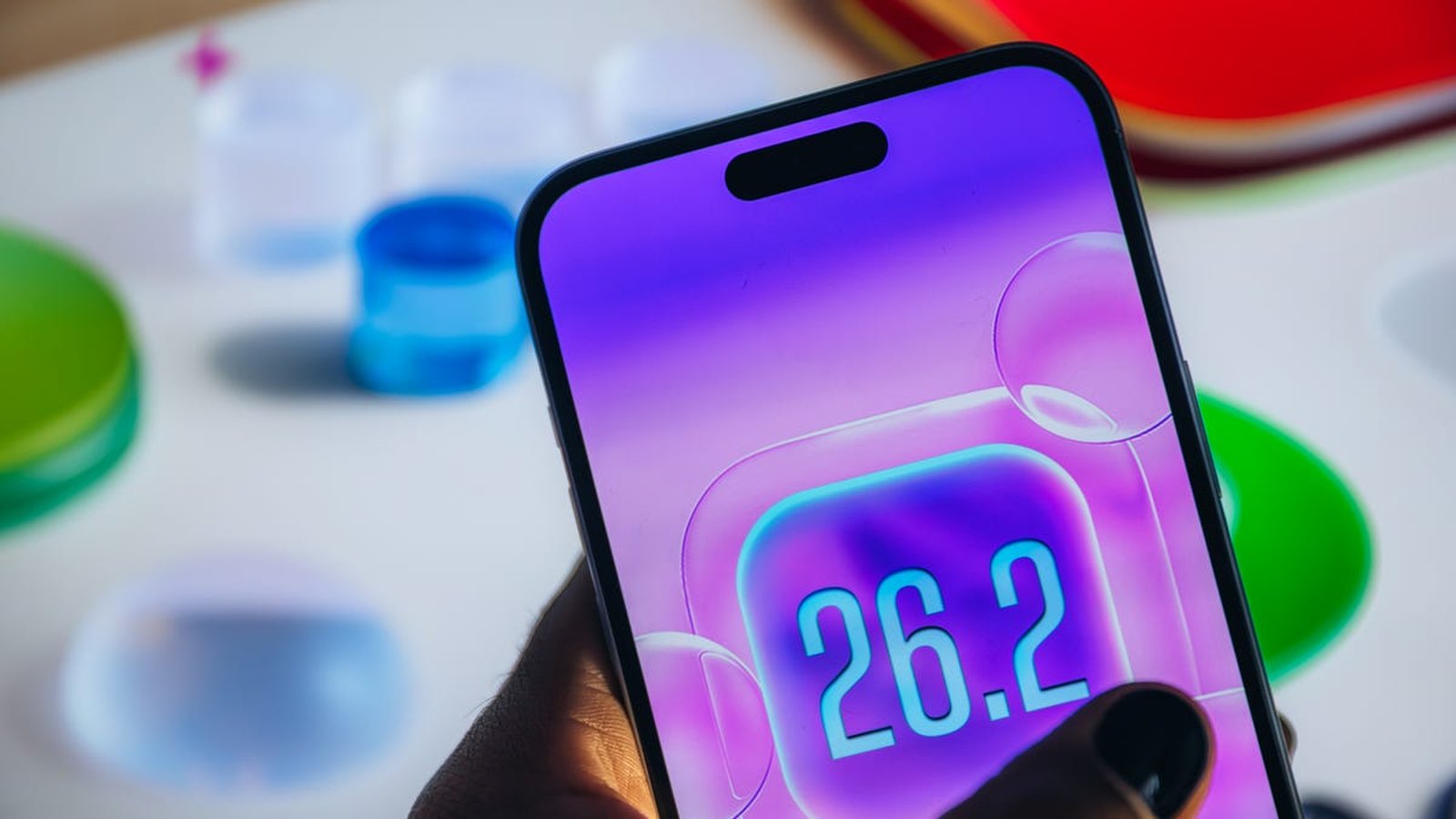
In a digital landscape where personal privacy is constantly under siege, Apple has rolled out iOS 26.2, an update that serves as both a shield against sophisticated threats and a brushstroke on the canvas of user experience. Released on December 12, 2025, this isn’t just another incremental update; it’s a critical response to real-world dangers, coupled with thoughtful refinements that touch nearly every aspect of iPhone interaction.
At the heart of iOS 26.2 lies an urgent mandate: security. Apple has confirmed that this update addresses 26 vulnerabilities, including two high-risk flaws that were already being actively exploited by malicious actors. These aren’t theoretical weaknesses; they represent open doors that spyware has been walking through, silently compromising devices and extracting sensitive information. For iPhone users, especially those in regions where third-party app stores are prevalent, updating immediately isn’t just recommended, it’s essential.
Urgent Security Patches Combat Active Spyware Threats
The most pressing reason to update to iOS 26.2 is its robust defense against active spyware. Apple confirmed that two critical vulnerabilities, classified as zero-day exploits, were being actively exploited in targeted attacks. One of these, identified in WebKit, the engine powering Safari and other browser-based apps, allowed malicious websites to execute arbitrary code. This means simply visiting a compromised site could have granted attackers the ability to run their own programs on your device, bypassing browser protections and potentially stealing data or installing further malware. As reported by Seczine, another severe flaw within the kernel’s memory-management system could grant attackers deep system access, effectively handing over control of the device.
Together, these weaknesses formed a dangerous chain, allowing sophisticated spyware to infiltrate an iPhone through a seemingly innocuous link or a compromised application. Such attacks could lead to silent monitoring, data extraction, and long-term device compromise, transforming a personal device into a surveillance tool. Apple, in collaboration with the Google Threat Analysis Group, identified these exploits, highlighting the collaborative effort required to combat advanced cyber threats. The company estimated that up to five percent of active iPhones could be exposed to these risks, particularly if users had not updated to iOS 26 or later versions, as noted by Cnet. Installing iOS 26.2 immediately closes these attack windows, fortifying your device against such persistent surveillance.
Rethinking Interaction: UI Tweaks and Enhanced Sharing
Beyond the critical security updates, iOS 26.2 introduces several user-facing improvements designed to make the iPhone experience more intuitive and secure. A notable addition is the new AirDrop functionality, which now supports unique, one-time alphanumeric codes. This offers a more controlled and deliberate alternative to proximity-based sharing, especially useful when transferring files with unknown contacts. Instead of relying solely on physical closeness, users can now generate a code that the sender must enter, adding an extra layer of verification and privacy to file transfers.
The lock-screen clock has also received a subtle but significant redesign. It now features an adaptive display that dynamically adjusts for improved readability, especially in dark mode or varying light conditions. Furthermore, Apple has expanded its ‘liquid-glass’ UI customization, first introduced with iOS 26. Developers now have deeper access to translucency layers, enabling smoother animations and richer widgets. For users, this translates into more personalized visual experiences. For example, you can now adjust the frostedness of the Liquid Glass effect on your lock screen’s clock via a new slider, offering greater control over the aesthetic. While the Liquid Glass design has polarized some users since its debut, with some finding it modern and playful and others citing readability concerns, Apple’s continued expansion of its customization options suggests it’s a feature here to stay, evolving with user feedback.
Beyond the Surface: App Enhancements and New Features
iOS 26.2 isn’t solely about security and interface tweaks; it brings a wealth of enhancements to core Apple applications, refining everyday tasks and opening new possibilities. For music lovers, Apple Music now offers offline lyrics for downloaded songs, allowing subscribers to view lyrics even without an internet connection. A ‘Favorite Songs’ playlist also appears in the Top Picks on the home tab, streamlining content discovery.
Podcast enthusiasts will appreciate automatically generated chapters, making it easier to navigate episodes and jump to specific segments. The app also introduces links to mentioned podcasts, allowing users to discover and follow other shows directly from the player or transcript. The News app has received a long-overdue update, with a new menu across the top of the homepage divided into sections like Sports, Politics, and Business, making navigation to preferred topics significantly easier than endlessly scrolling or searching.
Productivity gets a boost with Reminders now capable of setting alarms, complete with snooze and Live Activity support for urgent tasks. Additionally, under Settings > Notifications, users will find ‘Enhanced Safety Alerts’ with toggles for Earthquake Alerts and Imminent Threat Alerts. These features allow your iPhone to receive and anonymously broadcast safety alerts to nearby Apple devices in emergency situations, with an option to improve alert delivery by sharing approximate location data with Apple for timeliness and reliability.
The Health app, in conjunction with WatchOS 26.2, sees adjustments to Sleep Scores, raising the threshold for most categories. The Measure app’s Level function also gets a subtle Liquid Glass redesign, reminding users of Apple’s intention to integrate this aesthetic across the entire iPhone experience. For gamers, the Games library now includes filters to find titles by category and size, and in-game challenge score banners provide real-time updates on leaderboards. Improved support for connected controllers like Backbone and Razer also enhances the gaming experience. Furthermore, the Home app now supports multipack accessory pairing, simplifying the setup of multiple smart home devices sold together, and Freeform gains tables capable of holding text, images, documents, and drawings with intelligently resizing cells.
Updating to iOS 26.2 is straightforward: simply connect your device to power and Wi-Fi, then navigate to Settings > General > Software Update. Apple advises backing up your device via iCloud or computer before initiating the update. The update is available for a wide range of devices, including iPhone SE (2nd and 3rd generation), iPhone 11 through 17 (including Pro and Pro Max models), and iPhone Air. Given the severity of the patched vulnerabilities, delaying this update could leave your device exposed to significant risks.
The release of iOS 26.2 underscores Apple’s ongoing commitment to user security and experience, navigating the complex interplay between protecting against increasingly sophisticated cyber threats and continuously refining the functionality of its devices. While the rapid pace of digital innovation brings exciting new features, this update serves as a stark reminder that foundational security remains paramount, demanding constant vigilance from both developers and users in an ever-evolving digital landscape.