
Quick Read
- Microsoft released emergency update KB5078127 for Windows 11.
- The update fixes widespread Outlook crashes affecting POP accounts and PST files.
- This is the second out-of-band patch this month following January 2026 security updates.
- Previous January updates caused critical boot failures and system lockups (KB5074109).
- Users can install KB5078127 via Windows Update to restore Outlook stability.
REDMOND (Azat TV) – Microsoft has released an urgent out-of-band update, identified as KB5078127, for Windows 11 to address widespread Outlook crashes that have plagued millions of users since the problematic January 2026 security rollout. This marks the second emergency patch issued by the company this month, underscoring significant stability challenges following its recent updates, which have also led to critical boot failures for some Windows 11 devices.
Outlook Crashes Prompt Rapid Fix
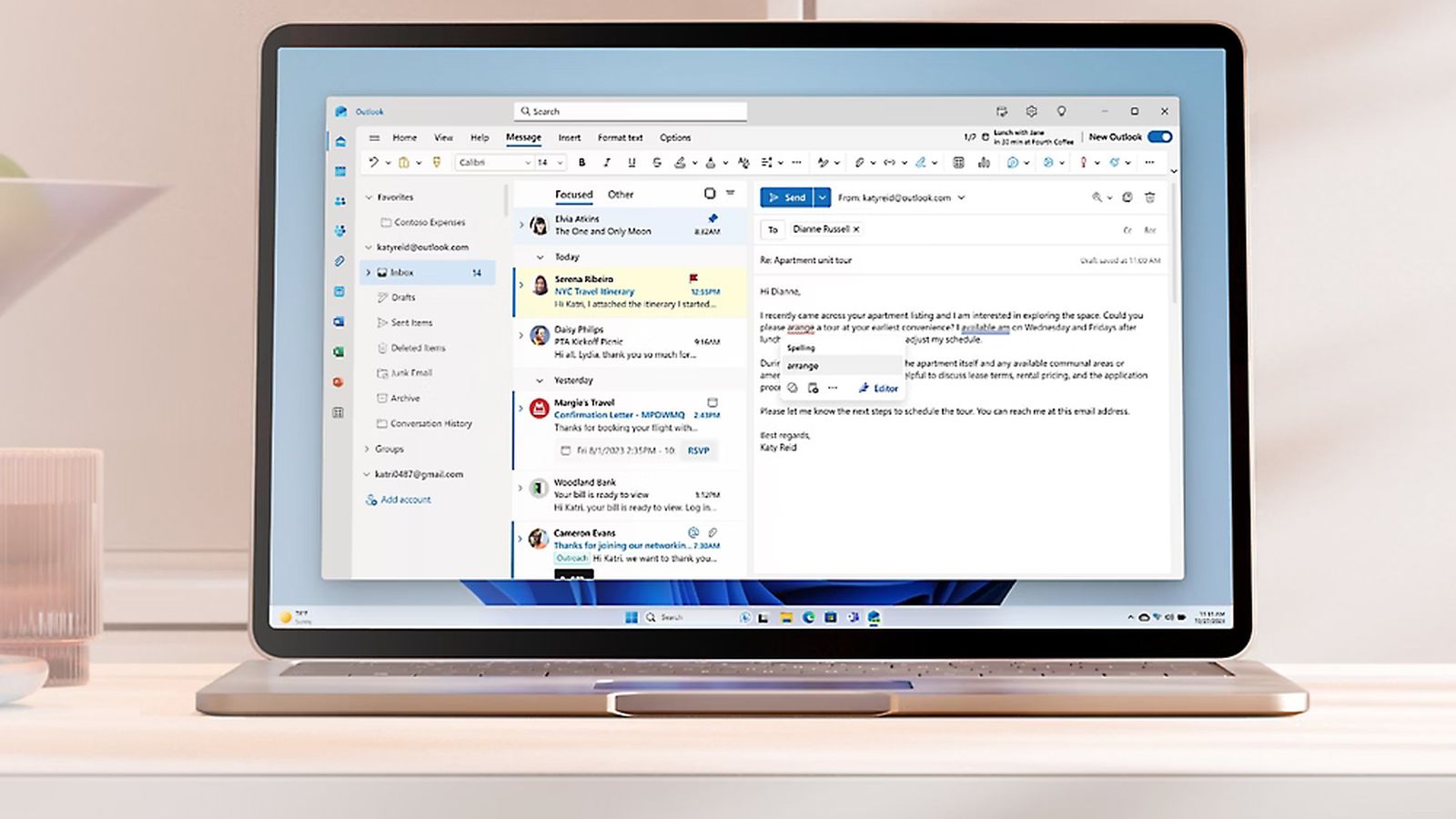
The primary issue addressed by KB5078127 involves the classic Outlook client repeatedly crashing, becoming unresponsive, or failing to sync emails, particularly for users with POP accounts or those utilizing PST files stored locally or in cloud-backed locations like OneDrive and SharePoint. Reports from users indicated symptoms such as unsaved email progress, missing sent items, and previously downloaded emails being re-downloaded, rendering the email application effectively unusable for many.
Microsoft acknowledged the problem, stating that a regression in a core Windows component introduced by the January Patch Tuesday release (KB5074109) conflicted with Outlook’s handling of local mail stores and cloud synchronization. This conflict specifically affected Outlook profiles configured with POP accounts and PST files, leading to application hangs and failures to reopen without manual process termination or system restarts.
KB5078127: A Targeted Resolution
The emergency update, KB5078127, is a cumulative fix designed to bypass the regular monthly update cadence. It specifically targets the instabilities introduced by the January security updates, aiming to restore stability for affected Outlook users. According to Microsoft, the patch corrects the code paths that caused crash loops when accessing POP mailboxes or opening large PST archives, allowing Outlook to restart cleanly and operate without interruption. Furthermore, it repairs the interaction between Outlook and cloud storage services, eliminating errors that previously froze the application when syncing attachments from OneDrive or SharePoint.
For users experiencing these issues, Microsoft recommends installing KB5078127 immediately. The update can be accessed through Windows Update by navigating to Settings > Windows Update, clicking ‘Check for updates,’ and then selecting ‘Download and install.’ A system restart may be required to finalize the installation.
Broader Instability from January Updates
The rapid deployment of this Outlook fix comes amid broader stability concerns stemming from Microsoft’s January 2026 Patch Tuesday updates. Earlier this month, the update identified as KB5074109, intended to enhance security for Windows 11 versions 25H2 and 24H2, triggered severe boot failures on physical devices. Numerous users reported encountering ‘UNMOUNTABLE_BOOT_VOLUME’ errors (stop code 0xED) or ‘Black Screen of Death’ scenarios, rendering their systems unusable immediately after applying the update. Microsoft confirmed receiving a ‘limited number of reports’ regarding devices unable to complete startup, primarily affecting physical hardware rather than virtual environments.
Beyond boot failures, KB5074109 was also linked to other system-breaking bugs, including total system lockups and graphics driver conflicts, particularly in GPU-intensive applications. These widespread issues necessitated manual intervention via the Windows Recovery Environment (WinRE) for many affected users to uninstall the faulty package. The fact that Microsoft has now issued two separate out-of-band updates in quick succession—one to address boot failures and remote login issues, and now another for Outlook crashes—highlights the disruptive nature of the January update cycle for both consumers and IT administrators.
Implications for Trust and Reliability
Out-of-band updates are typically reserved for critical problems that cannot wait for Microsoft’s regular monthly update schedule. The need for two such emergency patches within a short period signals a turbulent start to Windows updates in 2026, following a similarly challenging 2025 marked by several high-profile patch-related bugs. While Microsoft emphasizes the importance of timely security updates, the recurring need for emergency fixes is likely to raise fresh concerns among IT administrators and everyday users regarding the overall reliability of the Windows update pipeline.
For IT administrators managing enterprise environments, Microsoft recommends testing the KB5078127 update on representative workstations before wide deployment, confirming Outlook restarts without errors, and monitoring Windows Update logs. The cumulative nature of the latest fix means that installing it should also include previous emergency fixes related to the January security release, simplifying the patching process for those who have yet to update.
The swift delivery of these emergency patches demonstrates Microsoft’s commitment to addressing critical issues impacting its flagship products, yet the frequency of such incidents underscores the persistent challenge of balancing aggressive security hardening with backward compatibility and overall system stability, particularly within complex ecosystems like Windows 11 and its integrated applications.