


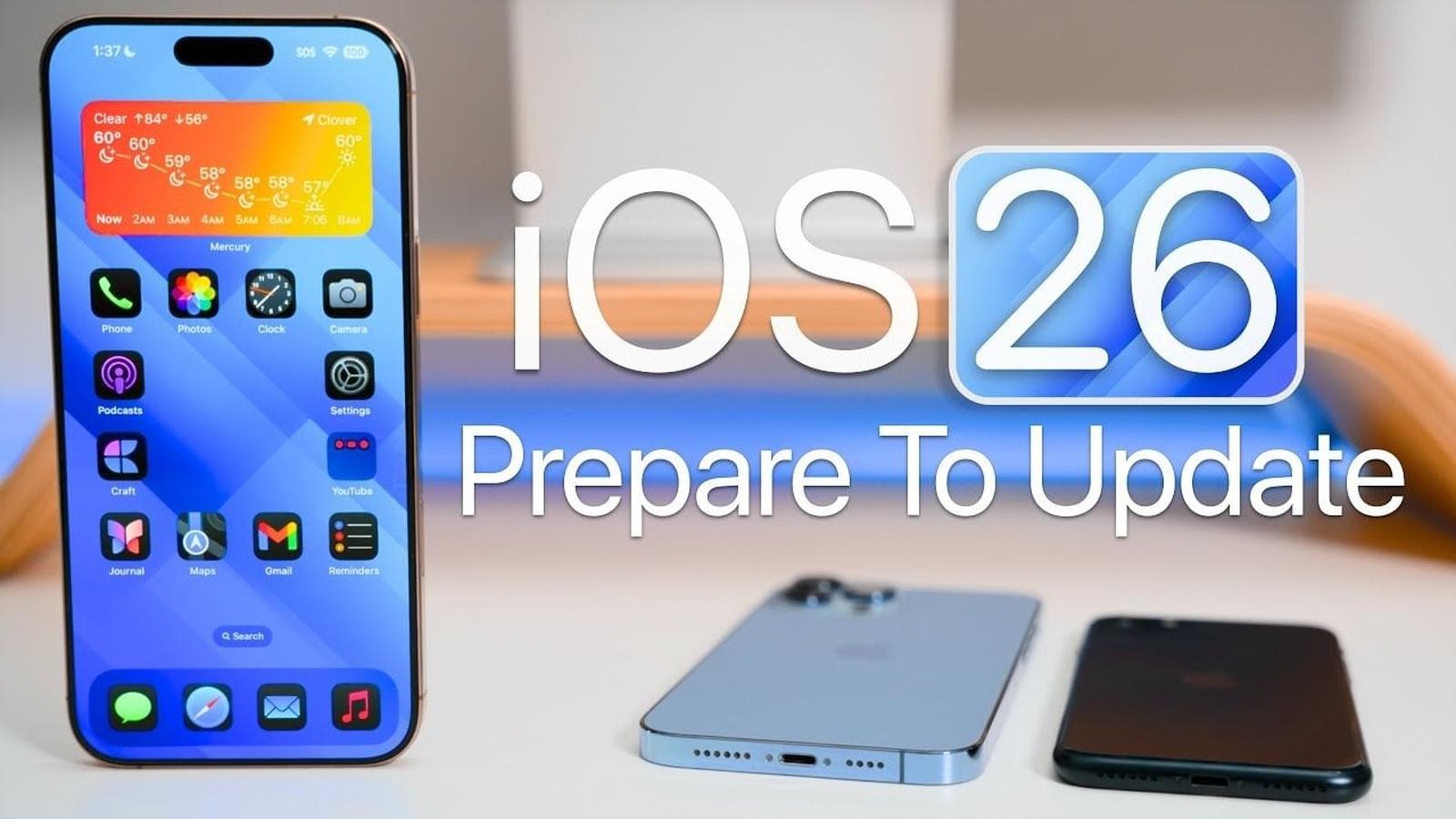
A Major Step Forward for Apple’s iOS
Apple has officially unveiled iOS 26, marking one of the most transformative updates to its mobile operating system in over a decade. With a sleek new design language called Liquid Glass, AI-driven functionality, and a wealth of app enhancements, iOS 26 promises to redefine the iPhone experience. Officially rolling out on September 15, 2025, the update is poised to leave a lasting impression on both users and developers alike.
Liquid Glass: A Design Revolution
The most eye-catching element of iOS 26 is its new Liquid Glass interface. Apple describes this translucent design as a material that “reflects and refracts its surroundings,” creating an immersive, dynamic visual experience. Think of it as bringing a modern, almost futuristic sheen to the iPhone’s interface, while still retaining the intuitive functionality users love.
Key areas of the operating system, including menus, notifications, and the Control Center, have been redesigned with this sleek aesthetic. Widgets and app icons have also been overhauled, offering a more interactive and customizable experience. Even the lock screen gets a facelift, with dynamic widgets that adapt to your wallpaper and spatial scenes that create a sense of depth as you move your phone.
Smarter Features Powered by Apple Intelligence
Beyond aesthetics, iOS 26 packs a punch with its smarter, AI-driven capabilities. One standout feature is Live Translation, which allows real-time text and audio translation across Messages, FaceTime, and Phone apps. This feature operates directly on the device, ensuring both speed and privacy.
Another game-changer is Call Screening, a feature that asks unknown callers to identify themselves before you pick up. For those tired of waiting on hold, the new Hold Assist feature automatically waits in your place and notifies you when a representative is ready to speak.
Apple Music introduces AutoMix, a tool that seamlessly transitions between songs like a professional DJ, while the Preview app—previously exclusive to macOS—makes its debut on iPhone, enabling PDF and image editing on the go.
Compatibility and Device Support
Not all iPhone models will receive iOS 26, as Apple continues its tradition of phasing out support for older devices. The update is compatible with iPhones featuring the A13 chip or newer, meaning models like the iPhone XR, XS, and XS Max will no longer be supported. Here’s a full list of compatible devices:
- iPhone 11, 11 Pro, 11 Pro Max
- iPhone SE (2nd generation)
- iPhone 12 series
- iPhone 13 series
- iPhone 14 series
- iPhone 15 series
- iPhone 16 series
- iPhone 17 series (ships with iOS 26)
For users with unsupported devices, Apple will continue providing security updates for earlier versions like iOS 18.7.
Preparing for the Update
Before jumping into the update, Apple recommends several preparation steps to ensure a smooth installation:
- Check Compatibility: Confirm that your device is eligible for iOS 26.
- Back Up Your Data: Use iCloud or a local backup through Finder or iTunes to safeguard your information.
- Free Up Storage Space: Ensure at least 20GB of free space on your device to accommodate the update.
- Charge Your Device: Make sure your battery is at least 50% charged or connected to power.
Installation Options
Apple provides two main methods for installing iOS 26:
- Over-the-Air Update: Navigate to Settings > General > Software Update to download and install the update directly on your device.
- Manual Installation: Connect your iPhone to a computer and use iTunes or Finder to perform the update.
For beta users, transitioning to the public release requires removing any beta profiles from Settings > General > Software Update. Some users may prefer to wait for iOS 26.1, which typically includes bug fixes and performance improvements.
Post-Update Optimization
After installing iOS 26, it’s essential to monitor your device’s performance and address any potential issues. Apple recommends the following steps:
- Check storage and battery performance, as these may fluctuate initially.
- Reset network settings if you encounter connectivity problems.
- Allow background tasks and optimizations to complete for improved overall performance.
By fine-tuning your device post-update, you can fully enjoy the new features and enhancements.
iOS 26 is more than just a software update; it’s a statement of Apple’s vision for the future of mobile computing. With its bold design, intelligent features, and focus on user experience, it sets a new standard for what an operating system can achieve.