


Active System Integration
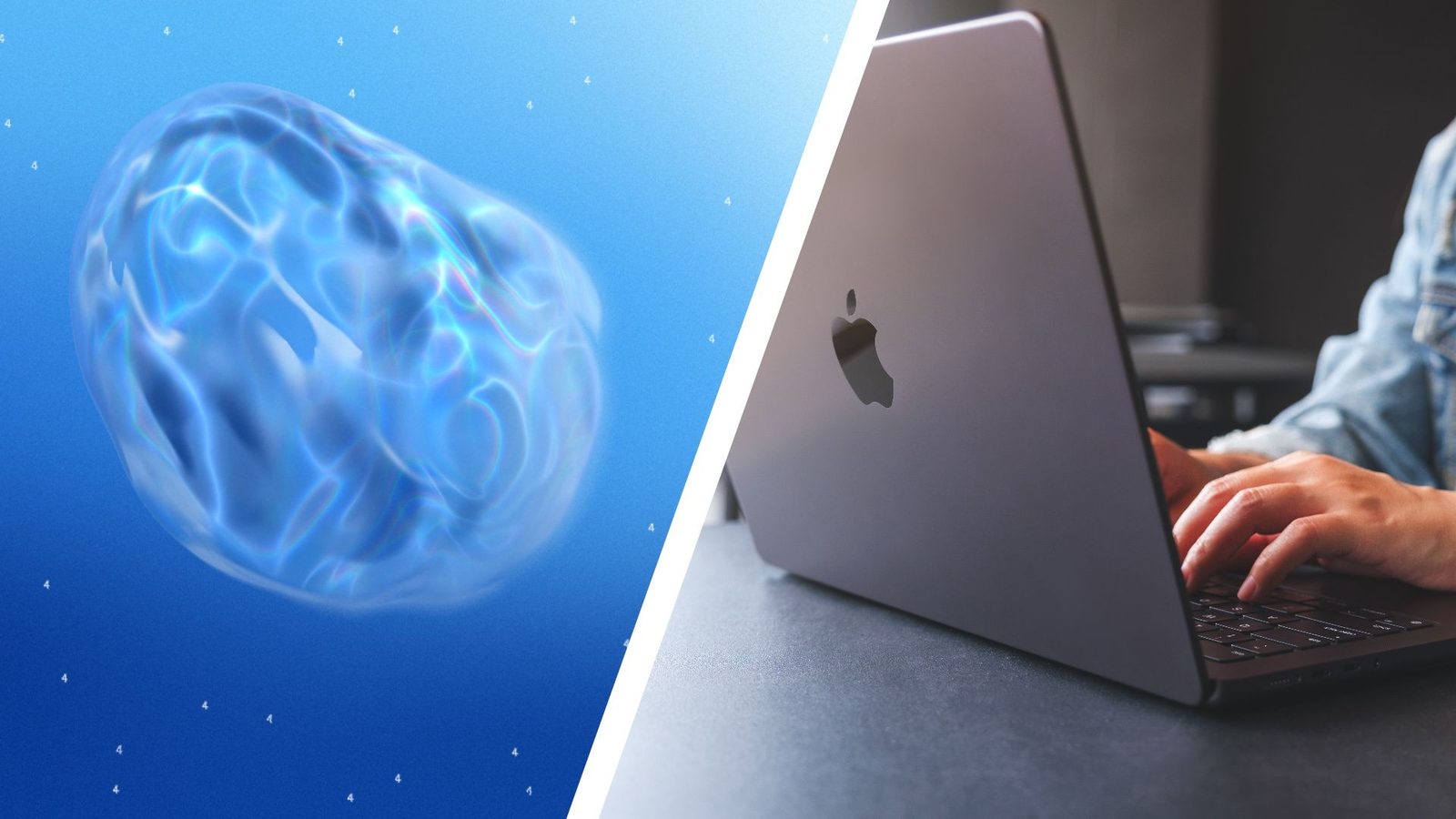
Google has introduced a new “computer use” capability for its Gemini app on macOS, allowing the artificial intelligence to move beyond passive assistance into active system control. As reported by Android Authority on November 19, 2026, the feature enables the AI to interact directly with local applications, navigate menus, click buttons, and fill out forms on behalf of the user. This update marks a significant shift in how users interact with AI, transitioning from simple prompt-based queries to autonomous task execution across a desktop environment.
The system operates by executing commands within an isolated background window. This design choice, highlighted by TechRadar, ensures that the AI does not interrupt the user’s primary workflow. Users can monitor the AI’s progress in real-time through a live preview integrated within the Gemini chat interface. To initiate the process, users simply include the “@Computer use” command in their prompt, describing the desired outcome.
Functionality and Productivity Stakes
The potential applications range from creative workflows to mundane administrative chores. In demonstration scenarios, the AI has been shown performing complex multi-step tasks, such as taking a user-provided image, processing it through 3D modeling software like Blender, and preparing it for web-based augmented reality applications. Practical productivity use cases include batch-processing images, preparing shipping quotes from PDF files, and synthesizing data from multiple websites into a single presentation. For instance, the AI can analyze clothing photos from a local folder, research pricing, log item details, and stage listings on resale platforms—tasks that would typically require dozens of manual clicks.
Despite these capabilities, the transition to agentic AI introduces specific security and operational considerations. Because the system has the permission to modify or delete files, Google has implemented safeguard measures. According to reporting by TechRadar, the Gemini app generates temporary backup copies of any files it interacts with. These backups are either deleted after a task is completed to the user’s satisfaction or are automatically removed after 24 hours. The shift toward agentic AI is part of a broader industry trend, with Google joining companies like Meta, OpenAI, and Anthropic in offering similar system-level control features. By moving away from a passive sidebar assistant model, Gemini now functions as an active participant in the user’s digital environment.
Access Constraints and Requirements
The feature is currently subject to strict technical and regional limitations. It is exclusively available to users with Apple Silicon-based Macs—such as the MacBook Air, MacBook Pro, Mac mini, and iMac models—running macOS Sequoia 15.0 or later. Furthermore, access is gated behind paid subscription tiers, specifically Google AI Plus, Pro, or Ultra plans. As of the current rollout, the capability is restricted to users in the United States aged 18 and older, and it supports English-language commands only. This tiered approach suggests that Google is targeting power users and professionals who require automated workflows for their daily tasks.
Users maintain granular control over the system’s permissions. The interface allows individuals to define which applications the AI is permitted to access and provides the ability to halt operations at any point. By requiring user approval for sensitive actions, Google aims to balance the efficiency of autonomous task management with the necessity of user oversight, addressing concerns regarding unintended system changes or data loss. The requirement for manual approval before key actions ensures that the AI remains a tool under human supervision rather than an unchecked automated agent. This emphasis on safety is critical, as the ability to edit documents, run apps, and access the internet carries inherent risks if the AI encounters unexpected software behavior or errors.
The Evolution of Desktop AI
The integration of “computer use” signifies a pivot in the utility of desktop AI applications. Previously, Gemini on the Mac was limited to handling files or basic information retrieval. With this update, the boundary between the AI assistant and the operating system has effectively dissolved. By operating within an isolated background window, the AI can perform tasks while the user continues to type, design, or take calls on the same machine without interruption. This ability to multitask demonstrates the maturation of agentic AI frameworks designed for consumer hardware.
While the current implementation is restricted to specific hardware and subscription tiers, it provides a roadmap for how future AI-driven operating systems might function. The ability to extract data from PDFs, batch-process images, and build presentations from live web dashboards represents a significant leap in productivity for those managing complex digital workloads. As Google continues to refine these capabilities, the reliance on manual input for repetitive administrative tasks is likely to decrease, provided that users remain comfortable with granting an AI model the permissions necessary for such deep-level system interaction.